

Introduction
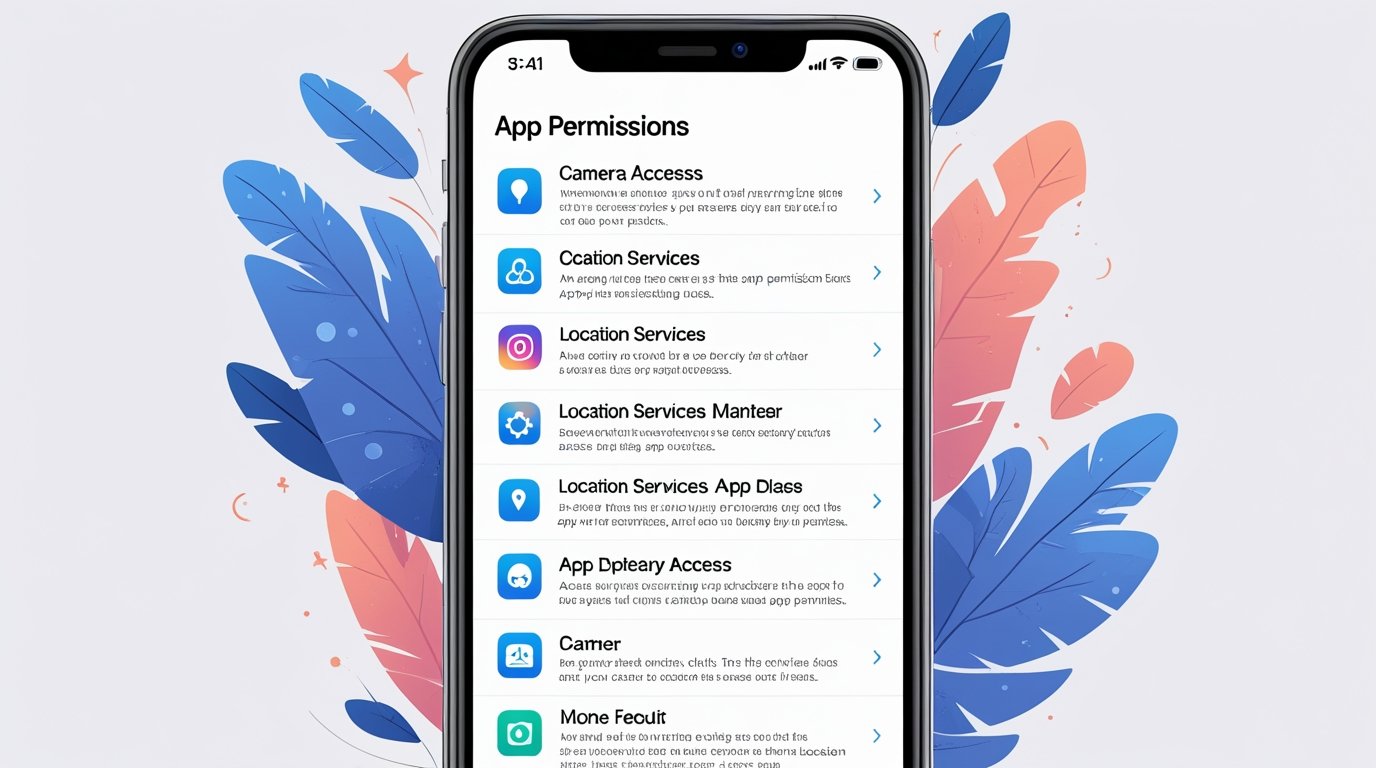
Ever installed a new app only to be bombarded with a long list of permissions? From access to your camera and contacts to location and storage, these requests can feel overwhelming—and sometimes scary. But do you really know what each permission does and why apps need them?
This guide breaks down common app permissions in simple terms, explains their purpose, and helps you make informed decisions about your privacy.
What Are App Permissions?
App permissions are rules set by your device’s operating system that control what an app can access on your phone. Permissions exist to protect your privacy and device security. They allow apps to function correctly while preventing unauthorized access to sensitive data.
For instance, a navigation app needs location permission, whereas a photo editor may require access to your storage or camera. Without these permissions, apps may fail to deliver full functionality.
Common Types of App Permissions
1. Location
What it does: Grants the app access to your device’s GPS or network-based location.
Use cases:
- Maps and navigation apps for real-time directions
- Ride-hailing apps to pick up your location
- Weather apps to provide local forecasts
Pros: Enables personalized services and convenience.
Cons: Continuous tracking may impact privacy and battery life.
Tip: Use location permissions selectively or enable “Only while using the app” for better privacy.
2. Camera
What it does: Allows the app to take photos or record videos.
Use cases:
- Social media apps for posting pictures or stories
- Video conferencing apps for calls
- Scanning apps for QR codes
Pros: Essential for multimedia and interactive apps.
Cons: Unauthorized access can compromise privacy.
Tip: Only grant camera access to trusted apps and revoke permissions when not needed.
3. Microphone
What it does: Lets the app record audio from your device.
Use cases:
- Voice assistants like Google Assistant or Siri
- Messaging apps for voice messages
- Audio recording and music apps
Pros: Enables voice functionality and hands-free operations.
Cons: Potential risk of eavesdropping if misused.
Tip: Check app reviews and permissions regularly to ensure safe usage.
4. Contacts
What it does: Provides access to your phonebook.
Use cases:
- Messaging apps for syncing contacts
- Social media apps for friend suggestions
- Calling and networking apps
Pros: Simplifies communication and social integration.
Cons: Sharing contacts can expose personal networks.
Tip: Avoid granting contact access unless the app genuinely needs it for functionality.
5. Storage / Files
What it does: Lets apps read, modify, or store files on your device.
Use cases:
- Photo and video editors for saving media
- Document apps for accessing PDFs and files
- Game apps for storing progress and assets
Pros: Enables saving and retrieving data.
Cons: Malicious apps may access sensitive files.
Tip: Use app-specific folders when possible and restrict file access for unknown apps.
6. SMS & Call Logs
What it does: Access to send, read, or manage text messages and call history.
Use cases:
- Banking apps for OTP verification
- Messaging apps for managing conversations
- Spam-blocker apps for identifying suspicious numbers
Pros: Improves automation and security verification.
Cons: Risk of unauthorized access to personal communication.
Tip: Only grant this permission to apps with a verified purpose.
7. Calendar
What it does: Provides access to your scheduled events and appointments.
Use cases:
- Productivity apps for reminders and scheduling
- Email apps for integrating meetings
- Event apps for personalized notifications
Pros: Streamlines task management and productivity.
Cons: Over-sharing may expose private schedules.
Tip: Limit access to trusted productivity apps only.
8. Sensors (Accelerometer, Gyroscope, etc.)
What it does: Allows apps to use motion sensors in your device.
Use cases:
- Fitness apps for step tracking
- Games for motion control
- Health monitoring apps
Pros: Enables interactive features and activity tracking.
Cons: Rarely used maliciously but can track activity patterns.
Tip: Disable sensor access for apps that don’t require motion input.
9. Background Data / Network Access
What it does: Lets apps use the internet, even when running in the background.
Use cases:
- Social media notifications
- Email synchronization
- Cloud backup and auto-updates
Pros: Keeps apps updated and functional.
Cons: Can consume data and battery, and may share personal info.
Tip: Restrict background data for apps with unnecessary network access.
How to Manage App Permissions
Managing permissions is crucial to protecting your privacy. Here’s how to do it effectively:
- Check permissions before installing: Review requested permissions during app installation.
- Use built-in settings: Both Android and iOS allow you to manage permissions individually.
- Revoke unnecessary access: Periodically audit apps and revoke permissions not needed for functionality.
- Install trusted apps only: Download apps from official stores to reduce risk.
Pros and Cons of Granting Permissions
| Pros | Cons |
|---|---|
| Enables full app functionality | Risk of privacy breaches |
| Personalized experience | Battery drain and data usage |
| Automation and convenience | Potential malware exploitation |
| Seamless integration with device features | Continuous tracking |
Frequently Asked Questions(FAQs)
Q1. Are app permissions mandatory?
Not always. Some apps may function partially without permissions, but core features may be limited.
Q2. Can apps access data without permission?
Generally, no. However, some malicious apps can exploit vulnerabilities. Always install apps from trusted sources.
Q3. How do I know which permissions are safe?
Focus on the app’s purpose: if a calculator asks for contacts, it’s suspicious. Use permission manager tools for transparency.
Q4. Can I change permissions later?
Yes, both Android and iOS allow modifying permissions anytime through settings.
Q5. Will revoking permissions break the app?
It depends. Revoking essential permissions may limit core functionality but usually won’t harm your device.
Read more: Mobile Photography Tips: Take Pro-Looking Photos with Any Phone
Conclusion
Understanding app permissions is key to maintaining privacy, security, and control over your device. By selectively granting permissions and regularly auditing apps, you can enjoy the benefits of mobile apps without compromising your personal data.
As apps evolve, permission transparency is becoming more robust. Always stay informed, use trusted apps, and leverage built-in security features to maintain peace of mind in the digital world.
