

Introduction
Struggling with muffled phone calls or poor-quality recordings? Whether it’s important business meetings, podcasts, or personal voice notes, clean audio can make all the difference. Many users assume that smartphone microphones are fixed in quality, but with the right techniques, apps, and accessories, you can significantly enhance your audio clarity.
This guide breaks down practical ways to get cleaner audio from your phone—no advanced technical setup required.
Why Phone Audio Quality Matters
The Problem with Built-In Microphones
Smartphone microphones are designed for convenience, not studio-quality audio. Common issues include:
- Background noise: Fans, traffic, or chatter can overpower your voice.
- Muffled sound: Phones often compress audio for storage or calls.
- Echo or distortion: Poor microphone placement or app settings can worsen recordings.
Improving your audio can help with:
- Professional communication in calls and video conferences.
- Better podcast, YouTube, or social media recordings.
- Clearer voice notes for personal or business use.
Best Practices for Cleaner Phone Audio
1. Optimize Your Environment
Even the best microphones can’t compensate for a noisy room.
- Quiet surroundings: Choose a low-noise space for recording or calls.
- Soft surfaces: Carpets, curtains, and cushions reduce echo.
- Close proximity: Hold the phone or mic near your mouth, but not too close to avoid distortion.
2. Proper Phone Handling
The way you hold your phone impacts audio quality:
- Avoid covering the microphone with your fingers.
- Keep the microphone pointing towards your mouth.
- Use a stand or tripod to stabilize your device.
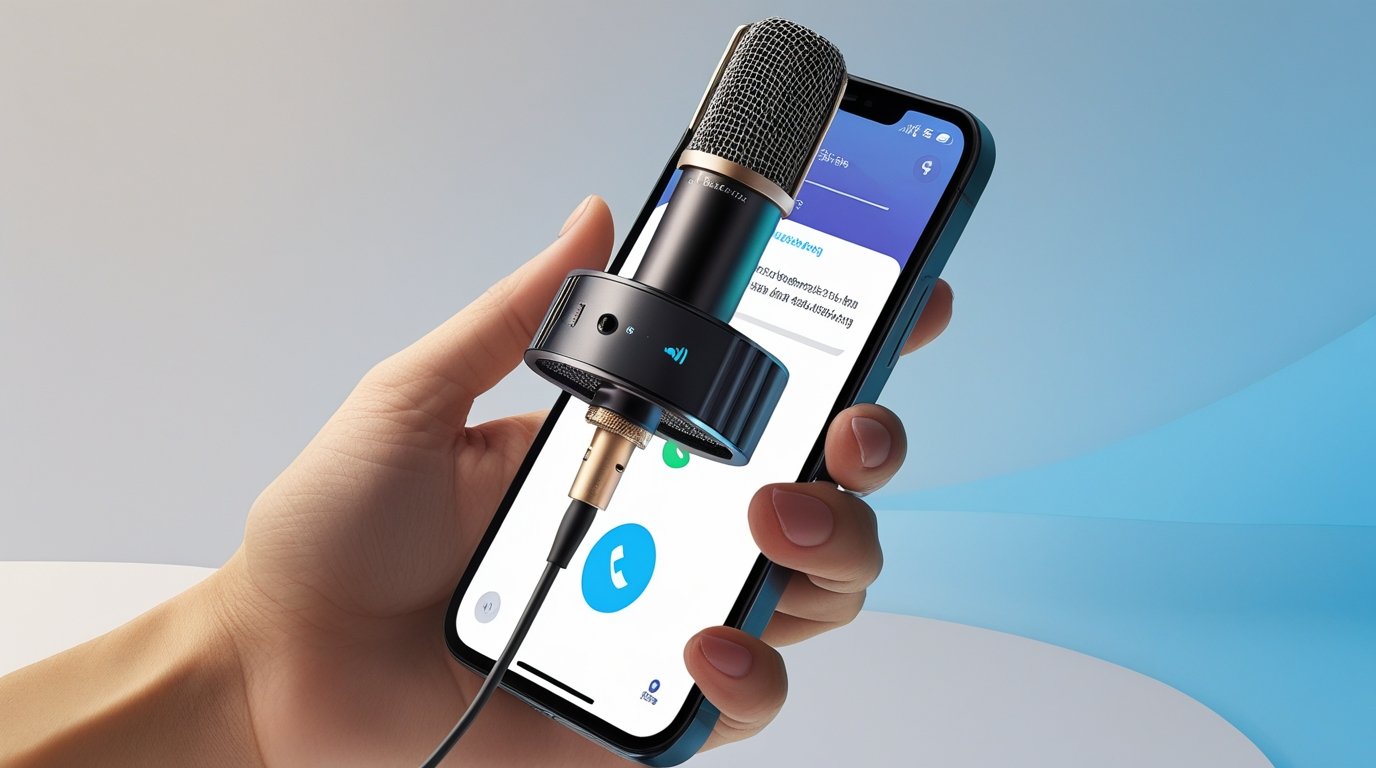
3. Use External Microphones
For significantly better audio, consider external mics:
| Microphone Type | Benefits | Ideal Use |
|---|---|---|
| Lavalier (clip-on) | Hands-free, discreet, consistent volume | Interviews, vlogs, meetings |
| USB condenser | Studio-level clarity | Podcasting, YouTube |
| Shotgun mic | Directional sound capture | Outdoor recordings, noisy environments |
External mics bypass the limitations of your phone’s built-in mic, capturing clearer, more focused audio.
Software Solutions to Enhance Audio
1. Noise Reduction Apps
Several apps can filter out unwanted background noise in real-time:
- Krisp: Removes background noise during calls and recordings.
- Dolby On: Auto-enhances audio, adds noise reduction.
- WaveEditor: Allows post-processing with EQ and noise suppression.
2. Voice Recording Apps with Advanced Settings
Using a better recording app often improves quality over default voice memo apps:
- Voice Record Pro: Offers multiple formats, gain control, and filters.
- Hi-Q MP3 Voice Recorder: High-quality MP3 recording with adjustable bitrate.
- Anchor: Ideal for podcasts, with automatic leveling and noise reduction.
3. Built-In Phone Settings
Modern smartphones offer features to enhance audio:
- Noise cancellation: Found in settings under calls or accessibility.
- Voice isolation: iOS and some Android devices prioritize your voice over background sound.
- High-fidelity recording mode: For higher-quality captures, especially on flagship devices.
Practical Recording Tips
- Test before recording: Do a short test recording to check levels and clarity.
- Avoid automatic volume adjustments: Disable gain control if possible.
- Speak clearly and consistently: Distance and speaking volume affect clarity.
- Record in mono for calls: Mono audio ensures all participants hear you clearly.
Comparing Phone Audio Options
| Feature | Built-in Mic | External Lavalier | USB Condenser |
|---|---|---|---|
| Sound Quality | Basic | Good | Excellent |
| Noise Reduction | Minimal | Moderate | High |
| Portability | High | Moderate | Low |
| Cost | Free | $20–$50 | $80+ |
External microphones significantly enhance clarity but weigh convenience and budget.
Pros & Cons of Enhancing Phone Audio
Pros:
- Clearer communication and recordings.
- More professional-sounding audio for podcasts, videos, and calls.
- Easier post-processing and editing.
Cons:
- External equipment can be costly.
- Noise reduction apps may slightly delay audio in real-time calls.
- Some features require device compatibility (e.g., iOS voice isolation).
Frequently Asked Questions(FAQs)
Q1: Can I improve audio without buying extra equipment?
Yes. Using quiet environments, proper mic positioning, and noise-reduction apps can significantly enhance sound.
Q2: Which app is best for live call noise cancellation?
Krisp is widely recommended for live calls and meetings on Zoom, Teams, or Google Meet.
Q3: Does using a headset improve audio quality?
Yes. Headsets with built-in mics often provide better clarity than your phone’s default mic.
Q4: How do I reduce echo in recordings?
Record in rooms with soft surfaces, avoid reflective walls, and keep the microphone close but not too near.
Q5: Are all external microphones compatible with smartphones?
Most USB-C, Lightning, or TRRS mics work with phones, but check device compatibility before purchasing.
Read more: Quick Fixes When Your Laptop Won’t Connect to Wi-Fi
Conclusion
Cleaner audio on your phone is achievable without expensive studio setups. By combining environment optimization, proper handling, software tools, and optionally external microphones, you can drastically improve the clarity of your calls and recordings. Whether for professional communication, social media content, or personal notes, these strategies ensure your voice is heard loud and clear.
Future updates in phone technology, such as AI-powered noise suppression and advanced microphones, will further simplify clean audio capture—so staying informed and experimenting with tools now gives you a professional edge.
