

Introduction
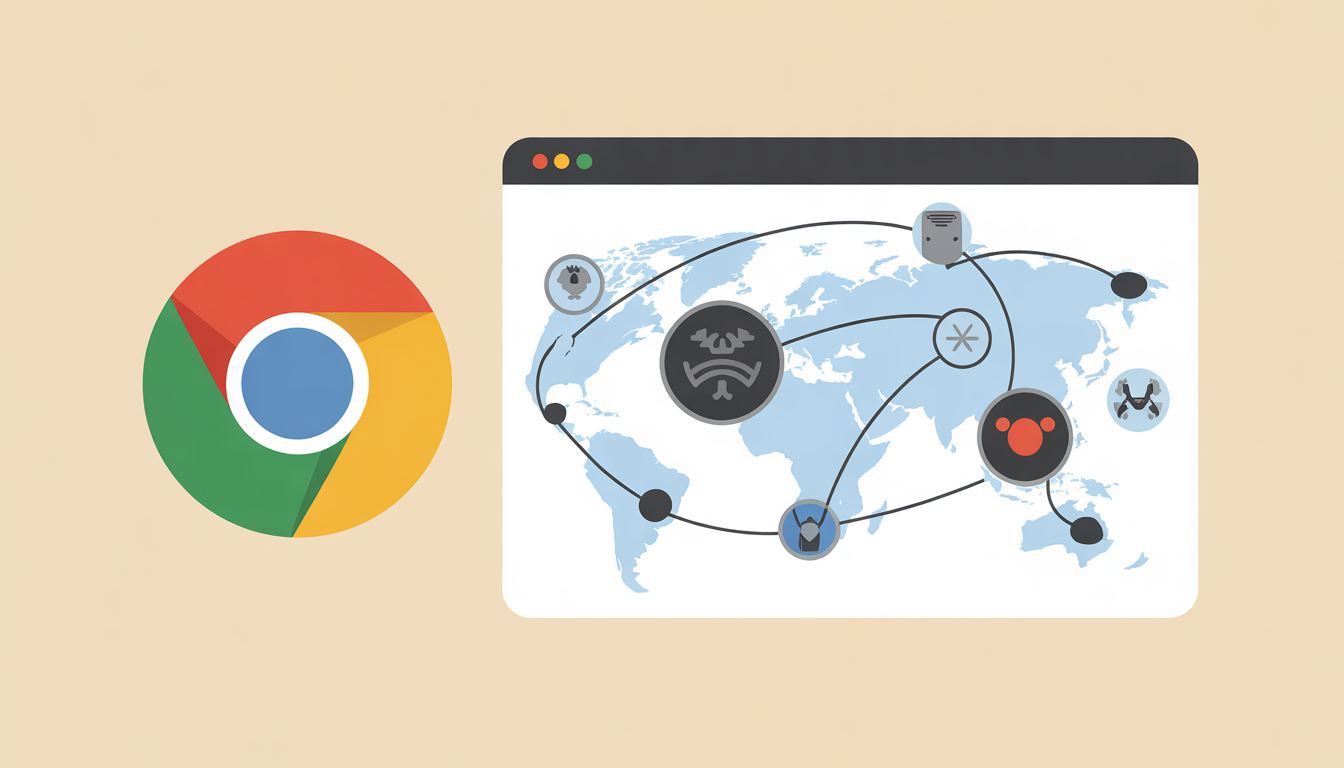
Every time you browse the internet, your actions are being monitored—often without your explicit knowledge. Browser tracking collects data about your online behavior, creating detailed profiles that advertisers and companies use for targeted ads and analytics. While some tracking is harmless, unchecked tracking can compromise your privacy and security.
In this guide, we’ll explore how browser tracking works, the types of tracking used, and practical methods to reduce it—helping you take control of your digital footprint.
What Is Browser Tracking?
Browser tracking is the process of monitoring your online activity through your web browser. This includes the websites you visit, searches you perform, and even the ads you click. Companies use this data to understand user behavior, personalize content, and target advertisements.
Types of Browser Tracking
- Cookies
Small files stored on your device to remember your preferences, login details, and browsing behavior.- Example: A shopping website tracking your items in a cart across sessions.
- Third-Party Cookies
Placed by external companies (not the website you visit) to track behavior across multiple sites.- Example: An ad network tracking you from site A to site B to show relevant ads.
- Browser Fingerprinting
Uses information about your browser and device configuration (screen size, plugins, fonts) to uniquely identify you.- Example: Even with cookies disabled, your device can be recognized via its unique fingerprint.
- IP Tracking
Tracks your location and internet service provider through your IP address. - Supercookies & Local Storage
More persistent than regular cookies and harder to remove.
How Browser Tracking Works
Browser tracking combines multiple techniques to collect and analyze data. Here’s a simplified step-by-step process:
- Visit a Website – The site may set cookies or use scripts to gather data.
- Collect Data – Information such as browsing history, clicks, and time spent on pages is collected.
- Profile Building – Advertisers and analytics companies build a profile to understand interests, demographics, and behaviors.
- Targeted Ads & Content – Based on your profile, personalized ads, product recommendations, and content are served.
- Cross-Site Tracking – Third-party trackers follow you across websites to refine your profile further.
Example: You visit an e-commerce site, browse cameras, and leave without purchasing. Later, ads for cameras appear on unrelated websites or social media. This is cross-site tracking in action.
Why Browser Tracking Matters
Browser tracking is not inherently bad, but it has pros and cons.
Benefits
- Personalized Content – Sites recommend relevant products or articles.
- Improved User Experience – Preferences and logins are remembered across visits.
- Analytics for Websites – Helps website owners improve performance and usability.
Risks
- Privacy Invasion – Companies can build detailed profiles without consent.
- Security Threats – Data leaks or misuse can occur.
- Ad Fatigue – Repeated targeted ads can feel intrusive and annoying.
How to Reduce Browser Tracking
Taking control of your online privacy involves a mix of browser settings, extensions, and behavioral changes.
1. Adjust Browser Privacy Settings
- Enable Do Not Track requests.
- Block third-party cookies.
- Clear cookies regularly.
Browsers with Strong Privacy Controls:
- Mozilla Firefox
- Brave
- Safari
2. Use Privacy-Focused Browsers
Browsers like Brave and Tor are designed to minimize tracking by default.
3. Employ Browser Extensions
- Ad Blockers – Block tracking scripts and ads (e.g., uBlock Origin).
- Privacy Badger – Automatically blocks trackers.
- Cookie AutoDelete – Clears unnecessary cookies after each session.
4. Use VPNs
A Virtual Private Network (VPN) hides your IP address, making location-based tracking more difficult.
5. Limit Social Media Logins
Logging in to websites using social media accounts increases cross-site tracking. Use unique logins when possible.
6. Private/Incognito Mode
Reduces persistent cookie storage but does not prevent browser fingerprinting.
Comparison: Tracking vs Privacy Tools
| Feature | Tracking Enabled | Privacy Tools Used |
|---|---|---|
| Cookies | Stored | Blocked/Cleared |
| Third-Party Ads | Shown | Reduced |
| IP Visibility | Visible | Hidden via VPN |
| Fingerprinting | Enabled | Limited by browsers like Brave |
| Cross-Site Tracking | Yes | Reduced |
Frequently Asked Questions(FAQs)
Q1: Can I completely avoid browser tracking?
Complete avoidance is difficult due to advanced fingerprinting and analytics, but using privacy-focused browsers, extensions, and VPNs can significantly reduce tracking.
Q2: Do ad blockers affect website performance?
Yes, they may block certain scripts, but most privacy-focused ad blockers have minimal impact on usability.
Q3: Are cookies always bad?
No, cookies are necessary for site functionality like login sessions, preferences, and shopping carts. Only third-party tracking cookies are intrusive.
Q4: What is the safest browser for privacy?
Tor is the most privacy-oriented, followed by Brave and Firefox with strong privacy settings enabled.
Q5: Does using a VPN make me completely anonymous online?
A VPN hides your IP and location, but it does not prevent tracking through browser fingerprinting or cookies.
Read more: What Is Tokenization in AI and Why It Affects Model Costs
Conclusion
Browser tracking is a double-edged sword—it enhances user experience but comes with privacy risks. Understanding how tracking works empowers you to make informed choices. By adjusting browser settings, using privacy-focused tools, and practicing cautious online behavior, you can significantly reduce tracking.
Looking ahead, stricter privacy regulations, like GDPR and CCPA, are pushing companies toward more transparent data practices. Adopting proactive privacy measures today ensures a safer digital experience tomorrow.
