

Introduction
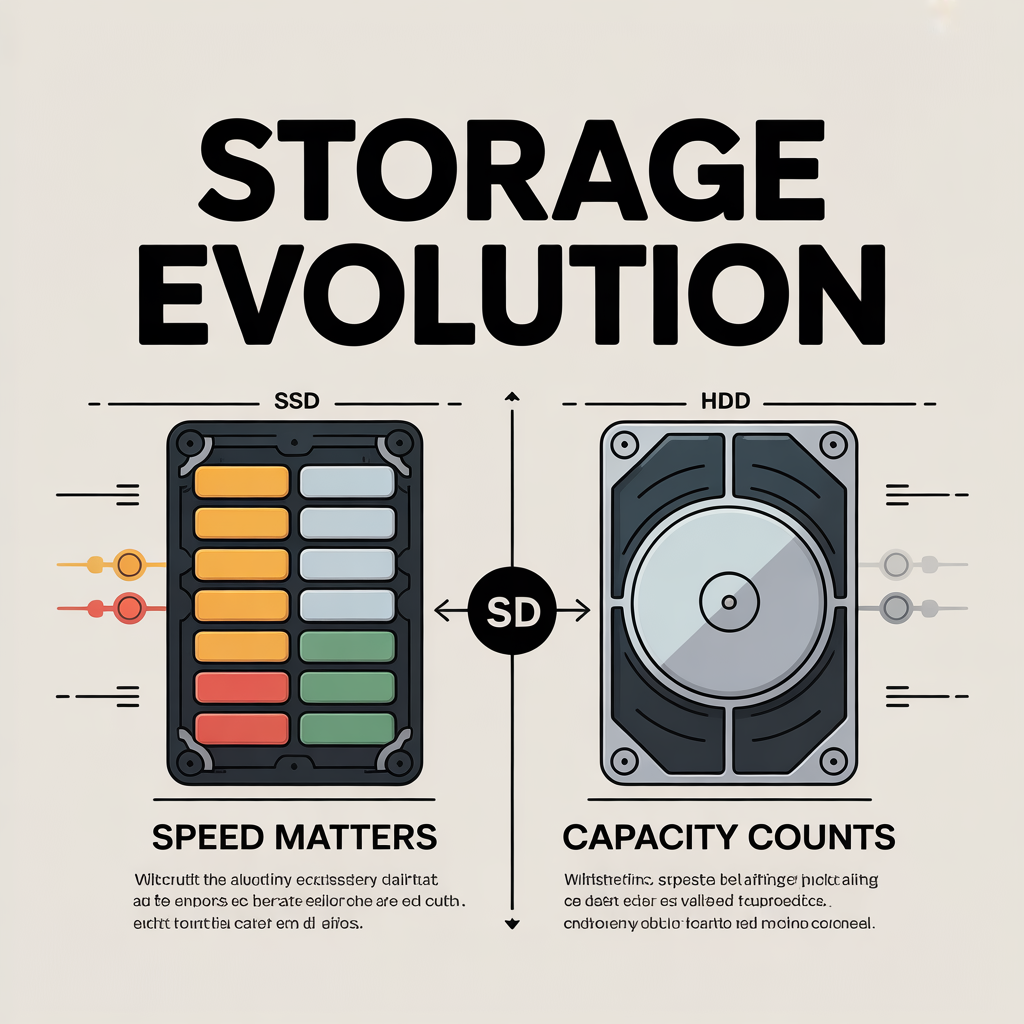
Choosing between an SSD and an HDD can feel overwhelming, especially with technical jargon clouding the decision. Yet, understanding their differences is crucial for performance, storage needs, and long-term reliability. In this guide, we break down the technical contrasts and show how they affect everyday computing, gaming, and professional workflows.
What Are SSDs and HDDs?
HDD (Hard Disk Drive)
A Hard Disk Drive is a traditional storage device that uses spinning magnetic disks (platters) to read and write data. Data is accessed by a mechanical arm that moves across the platters. HDDs have been around for decades and are widely used due to their cost-effectiveness for large storage capacities.
SSD (Solid State Drive)
A Solid State Drive stores data on interconnected flash memory chips, allowing for instantaneous access without moving parts. SSDs have surged in popularity due to their speed, durability, and energy efficiency, making them ideal for modern computing needs.
Key Technical Differences
| Feature | HDD | SSD |
|---|---|---|
| Storage Mechanism | Magnetic platters | NAND flash memory |
| Speed (Read/Write) | 80–160 MB/s | 500–7,000 MB/s (SATA vs NVMe) |
| Durability | Susceptible to physical damage | Shock-resistant, no moving parts |
| Noise | Audible spinning and clicking | Silent operation |
| Power Consumption | Higher, especially during reads/writes | Lower, more energy-efficient |
| Lifespan | Generally longer for light usage | Limited write cycles, but modern SSDs last years |
| Price per GB | Cheaper | More expensive |
Real-World Performance Differences
Boot and Application Load Times
SSDs significantly reduce boot times. A system with an SSD can boot in 10–20 seconds compared to 1–2 minutes on an HDD. Applications like Adobe Photoshop, Microsoft Office, or video editing tools open almost instantly on an SSD.
Gaming Performance
While HDDs can store large game libraries, SSDs drastically improve game load times, texture streaming, and overall responsiveness. For AAA titles, SSDs prevent stuttering during in-game asset loading.
File Transfer and Storage Tasks
For large files, SSDs provide faster transfer speeds. Copying a 50 GB video project may take minutes on an HDD but seconds on an NVMe SSD. HDDs remain suitable for bulk storage of media libraries, backups, or infrequently accessed files.
Benefits of SSDs
- Lightning-fast boot and application times
- Silent, low-power operation
- Better resistance to physical shock
- Ideal for laptops and portable devices
- Longer lifespan under read-intensive workloads
Benefits of HDDs
- Higher storage capacities at lower costs
- Reliable for long-term cold storage
- Easier to recover data in case of drive failure
- Widely available and compatible with older systems
Pros & Cons
SSD Pros
- Ultra-fast read/write speeds
- Energy-efficient and quiet
- Compact form factors (M.2, PCIe, SATA)
SSD Cons
- Higher cost per GB
- Limited write cycles (modern SSDs mitigate this concern)
HDD Pros
- Affordable storage for bulk data
- Proven technology with long-term reliability
- Easy to upgrade in desktops
HDD Cons
- Slower performance
- Susceptible to mechanical failure
- Noisy and power-hungry
Read more: What Is End-to-End Encryption and Why It Actually Matters
Frequently Asked Questions(FAQs)
Q: Can I use both SSD and HDD in one system?
A: Yes. Many setups use an SSD for the operating system and frequently used applications, with an HDD for mass storage.
Q: Are SSDs worth the extra cost for gaming?
A: Absolutely. They drastically reduce load times and improve overall system responsiveness.
Q: How long do SSDs last compared to HDDs?
A: Modern SSDs last 5–10 years depending on usage. HDDs may last longer if not physically stressed.
Q: Which is better for laptops?
A: SSDs are preferred due to durability, energy efficiency, and portability.
Q: Can SSDs fail without warning?
A: While rare, SSDs can fail, but monitoring tools and proper backups mitigate risks.
Conclusion
SSDs and HDDs each have their place in modern computing. SSDs dominate when speed, reliability, and portability are priorities, while HDDs remain cost-effective for large-scale storage. For most users, a hybrid setup—SSD for OS and apps, HDD for bulk storage—offers the best balance. As technology evolves, SSDs are increasingly becoming the standard, promising faster, quieter, and more efficient computing experiences.
